
StreamViewIPTV Features & Capabilities
Explore everything that makes StreamViewIPTV the most reliable choice for 50,000+ subscribers worldwide: 4K quality, EPG, catch-up TV, and anti-buffer servers built for peak performance.
Why StreamViewIPTV Outperforms Every Competitor
It is not just the 50,000+ channels or the 177,000+ VOD titles. It is the rock-solid infrastructure, the zero-buffering playback, and the advanced features that make StreamViewIPTV the premium choice for modern viewers worldwide.
Full Electronic Program Guide (EPG)
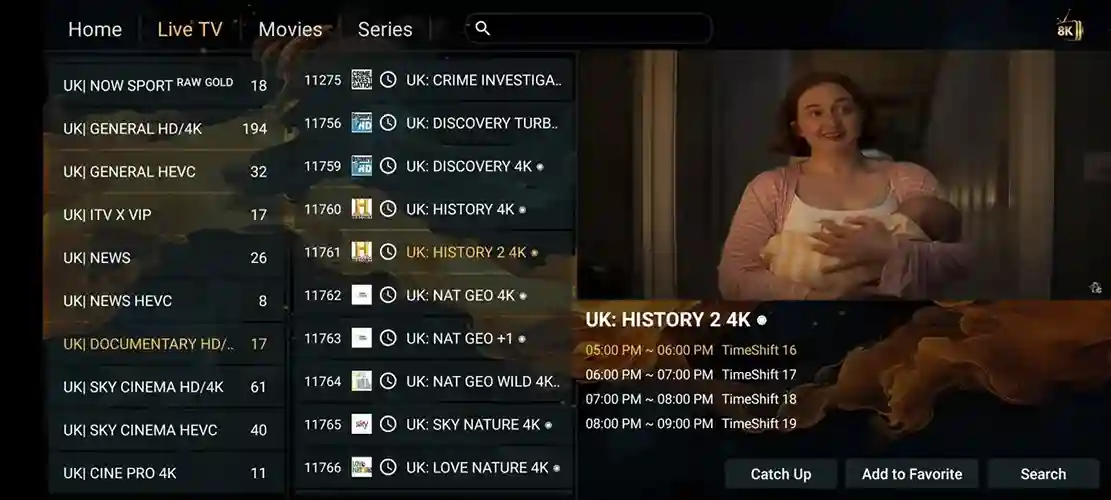
Stay ahead of your schedule with StreamViewIPTV's built-in EPG. Browse seven full days of programming across thousands of channels, set personal reminders for live sports events, and never miss a single kickoff, race, or premiere again.
Catch-Up and Instant Replay
Life gets busy. StreamViewIPTV keeps up. Our catch-up function stores up to seven days of broadcasts on hundreds of popular channels, so you can rewind and watch live sports highlights, breaking news, or series finales on your own time.
Zero-Buffering Server Network
StreamViewIPTV operates a global cluster of anti-buffer servers spanning multiple continents. Intelligent load-balancing routes you to the fastest node automatically, guaranteeing instant channel loads and freeze-free playback during peak hours and major live events.
True 4K Ultra HD Picture Quality
Every channel on StreamViewIPTV is delivered in the highest available resolution. From standard definition for basic devices through Full HD and all the way up to 4K Ultra HD for modern screens. Sit back and enjoy cinema-grade visuals from your living room.
Instant Account Activation
Complete your payment and your full login credentials will land in your inbox and WhatsApp within 5 to 15 minutes. You will receive your M3U playlist link, Xtream Codes, and Portal URL ready to paste into your favourite player app. Zero delays, zero complexity.
Round-the-Clock Live Support
Our multilingual human support team works 24 hours a day, 7 days a week, through WhatsApp, email, and live chat. Whether it is a quick setup question, a billing inquiry, or a technical hiccup during match day, real experts are always one message away.
Quick Features FAQ
How does zero-buffering technology actually work?
StreamViewIPTV uses intelligent load-balanced servers that detect your location and route you to the fastest node in real time. This eliminates freezing and lag, even during peak demand events like the Champions League final or the Super Bowl.
Can I rewind and replay live broadcasts?
Yes. Catch-Up TV records up to 7 days of programming on hundreds of popular channels. You can replay missed live sports, news, or entertainment shows directly from the EPG inside your player app.
Is a VPN required to use StreamViewIPTV?
A VPN is not required, but we do recommend one if your internet service provider throttles streaming traffic or blocks IPTV connections during major live events. Any reputable VPN will work well with our service.
177,000+ On-Demand Titles at Your Fingertips
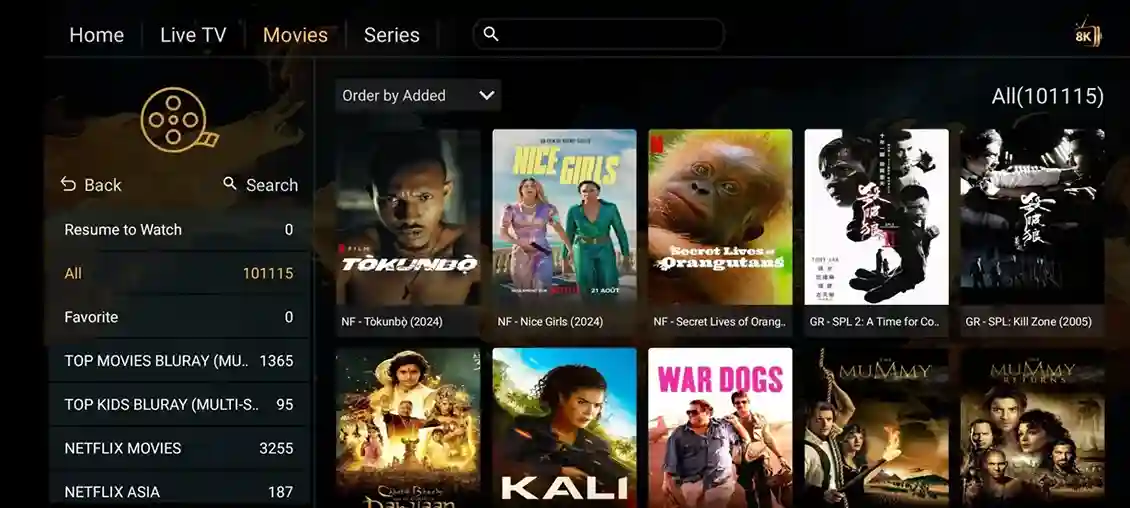
Explore a massive library of blockbusters, critically acclaimed series, hidden gems, and family favourites, all updated weekly with the freshest releases. Every title streams in stunning HD or 4K quality through StreamViewIPTV, so you always have something extraordinary lined up.













Every Sport. Every League. Zero Buffering.
Watch Formula 1, MotoGP, the Premier League, Champions League, NBA, NFL, UFC PPV, and hundreds more live sporting events in Full HD and 4K. StreamViewIPTV delivers every match without lag, without extra fees, and without missing a single play.













See the StreamViewIPTV Streaming Experience
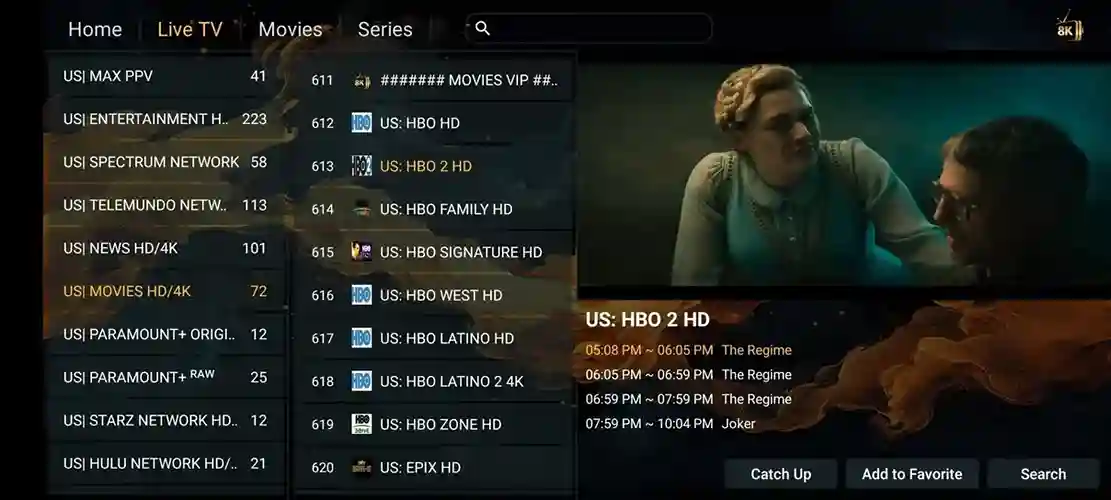
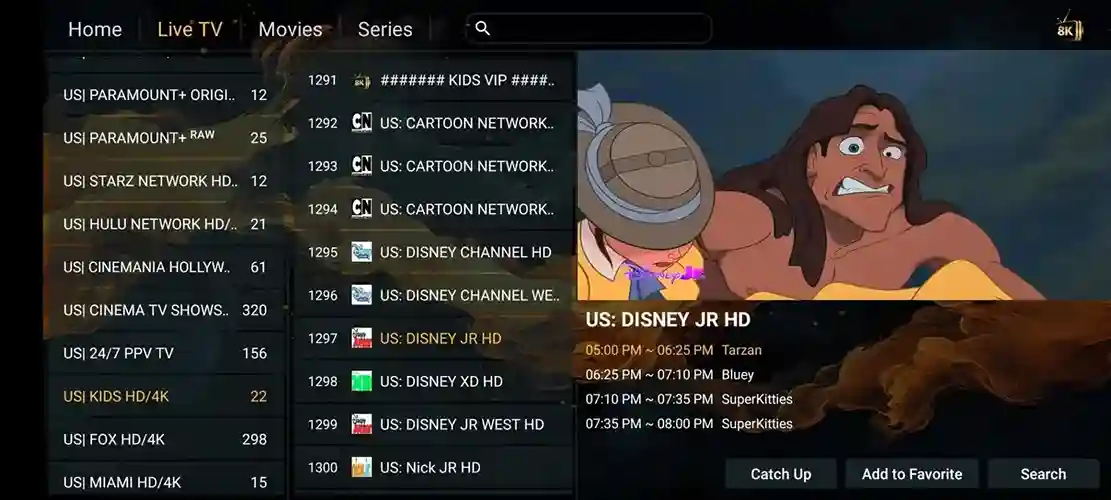
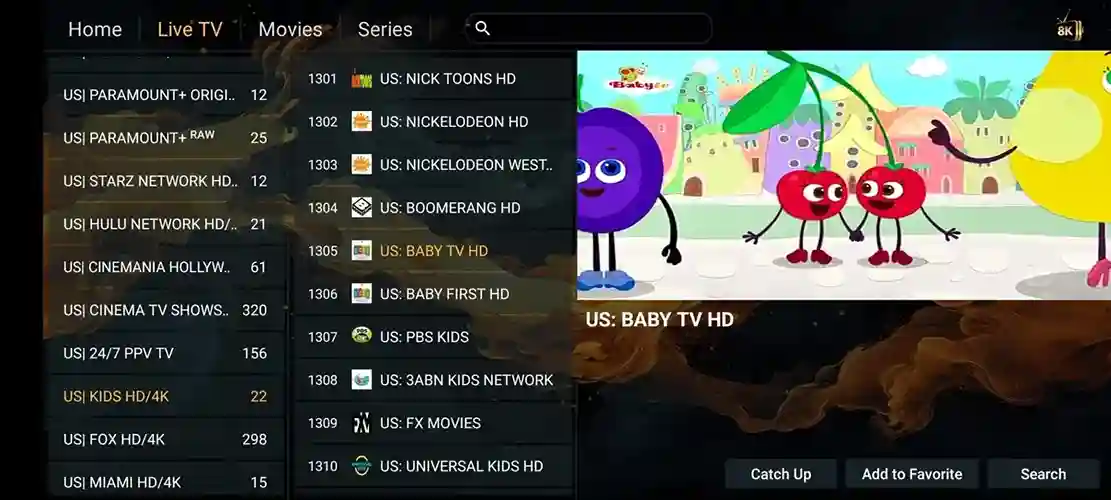
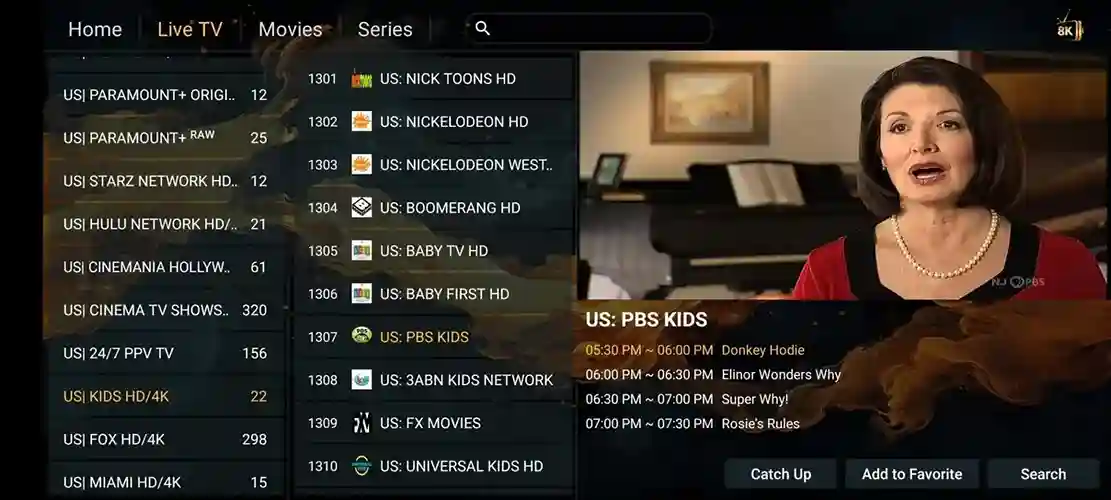
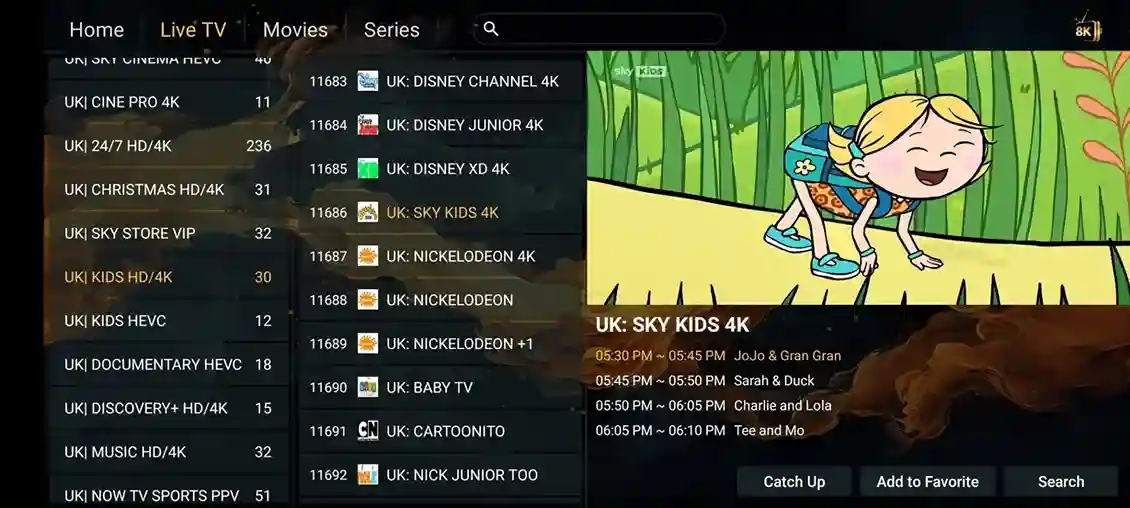
Our service pairs perfectly with the top-rated IPTV players on the market. Enjoy intuitive program guides, seamless category navigation, instant catch-up replay, and smooth multi-speed playback inside an interface that looks as polished as the 4K content itself.
StreamViewIPTV Knowledge Base: Guides and Resources
Dig into detailed tutorials, setup walkthroughs, and streaming tips to get the absolute most out of your StreamViewIPTV subscription and understand how modern internet television works.
What exactly is StreamViewIPTV?
StreamViewIPTV delivers live television and on-demand content over the internet instead of traditional satellite or cable. That means instant access to 50,000+ channels, 177,000+ VOD titles, and catch-up replay on any device with an internet connection. No dish, no decoder box, no engineer appointment needed. Learn how it works →
What does every StreamViewIPTV plan include?
Every subscription comes fully loaded: 50,000+ live channels, 177,000+ VOD movies and series, a 7-day electronic program guide, catch-up TV, zero-buffering anti-buffer servers, and 24/7 human support. Unlike cable, there are no premium add-on charges. Live sports, international channels, and 4K movies are all included from day one. See all plans →
Best IPTV player app for Android in 2026?
For Android devices, we recommend Hot Player and IPTV Smarters Pro as the two best options. Both support full EPG integration, category filtering, catch-up replay, and recording. Hot Player in particular is optimized for stability and 4K playback, making it our officially recommended player for StreamViewIPTV subscribers. See installation guide →
How to watch StreamViewIPTV with VLC Player on PC?
VLC is an excellent free option for streaming StreamViewIPTV on Windows or macOS. Open VLC, navigate to Media, then Open Network Stream, paste your M3U URL, and hit Play. For zero-buffering results, set network caching to 1000ms in VLC preferences under Input/Codecs. Read setup guide →
Best IPTV app for Apple TV users?
Apple TV owners can enjoy StreamViewIPTV through several high-quality apps on the App Store. The most reliable choices include GSE Smart IPTV, Flex IPTV, and nPlayer. All three support M3U playlists and Xtream Codes, making the connection process fast and simple. Apple TV guide →
How to fix IPTV buffering issues?
Buffering is typically caused by slow internet speeds (minimum 25 Mbps recommended for 4K), Wi-Fi congestion, or VPN overhead. Try connecting your streaming device via ethernet, restarting your router, or temporarily switching VPN servers. If the issue persists, reach out to our 24/7 WhatsApp support for direct troubleshooting. Troubleshooting guide →